














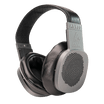






Bluetooth & Wireless Headphones
Filters
12 products
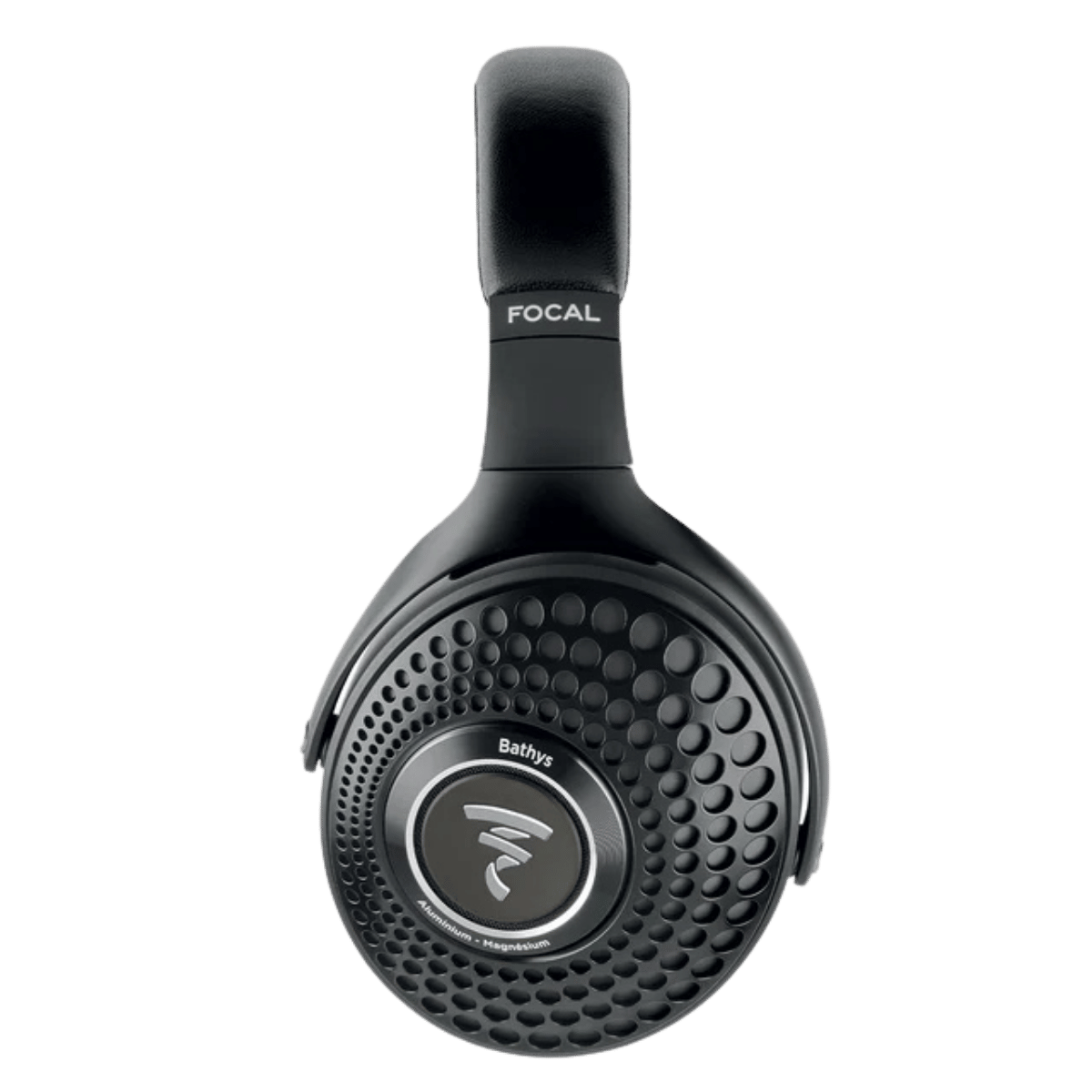

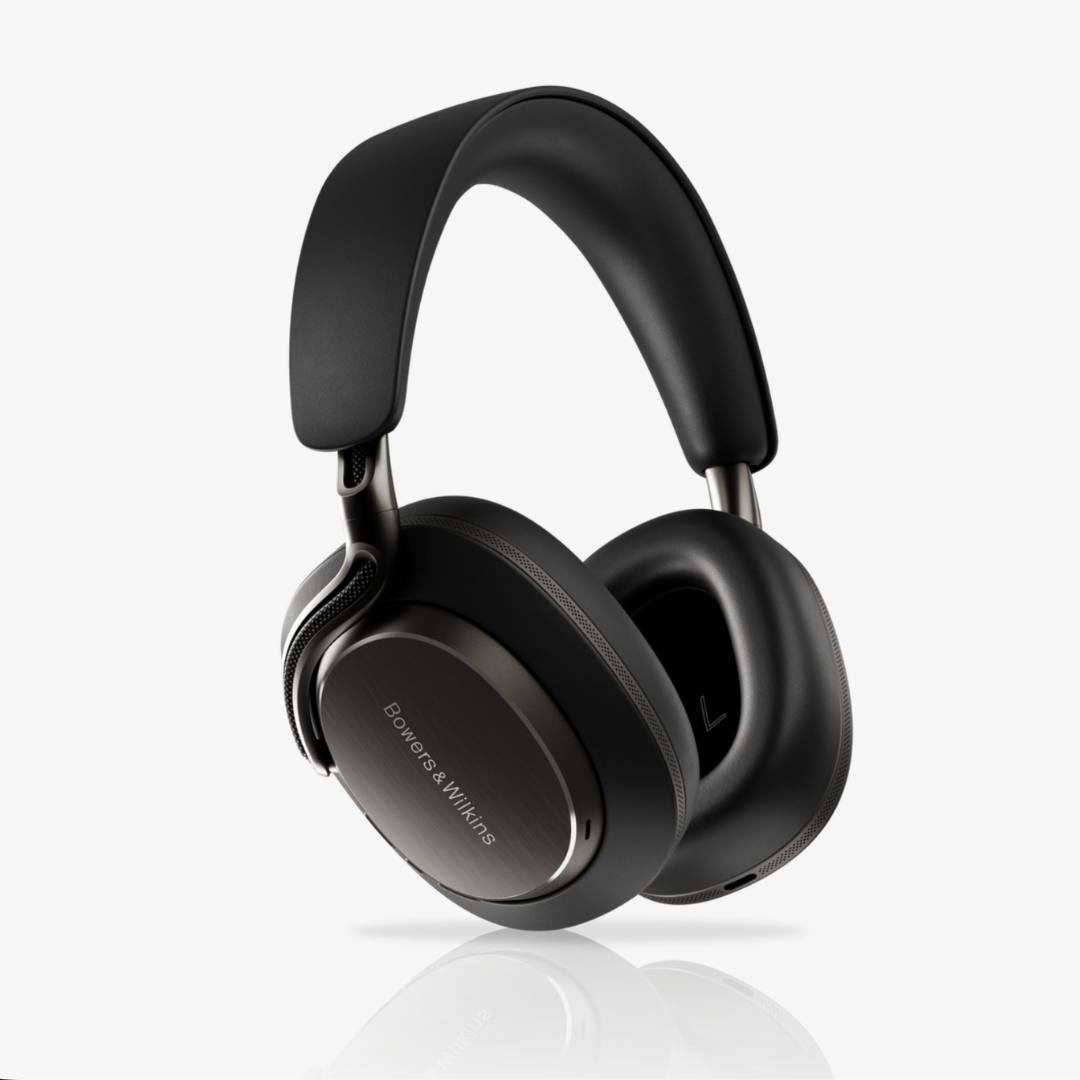
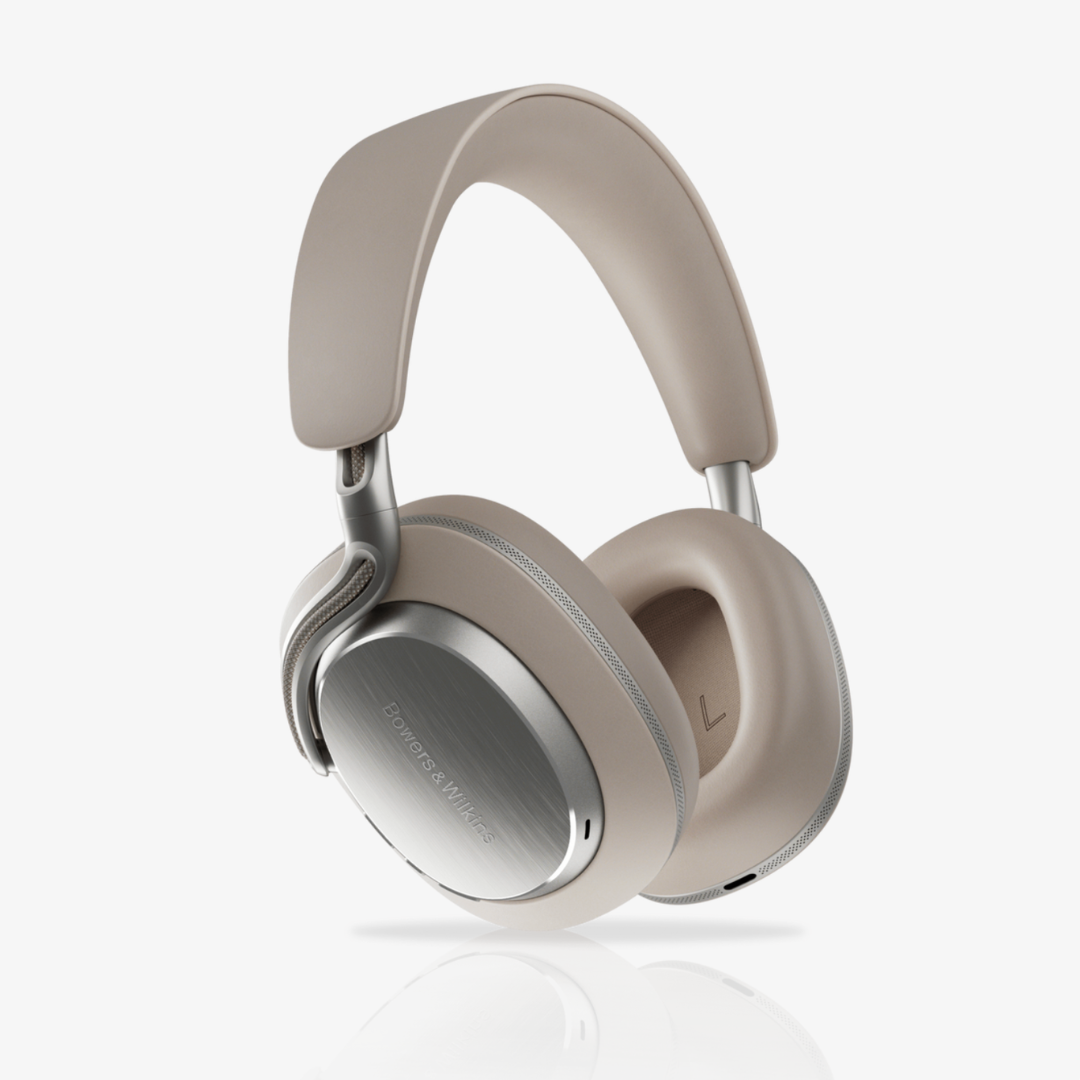
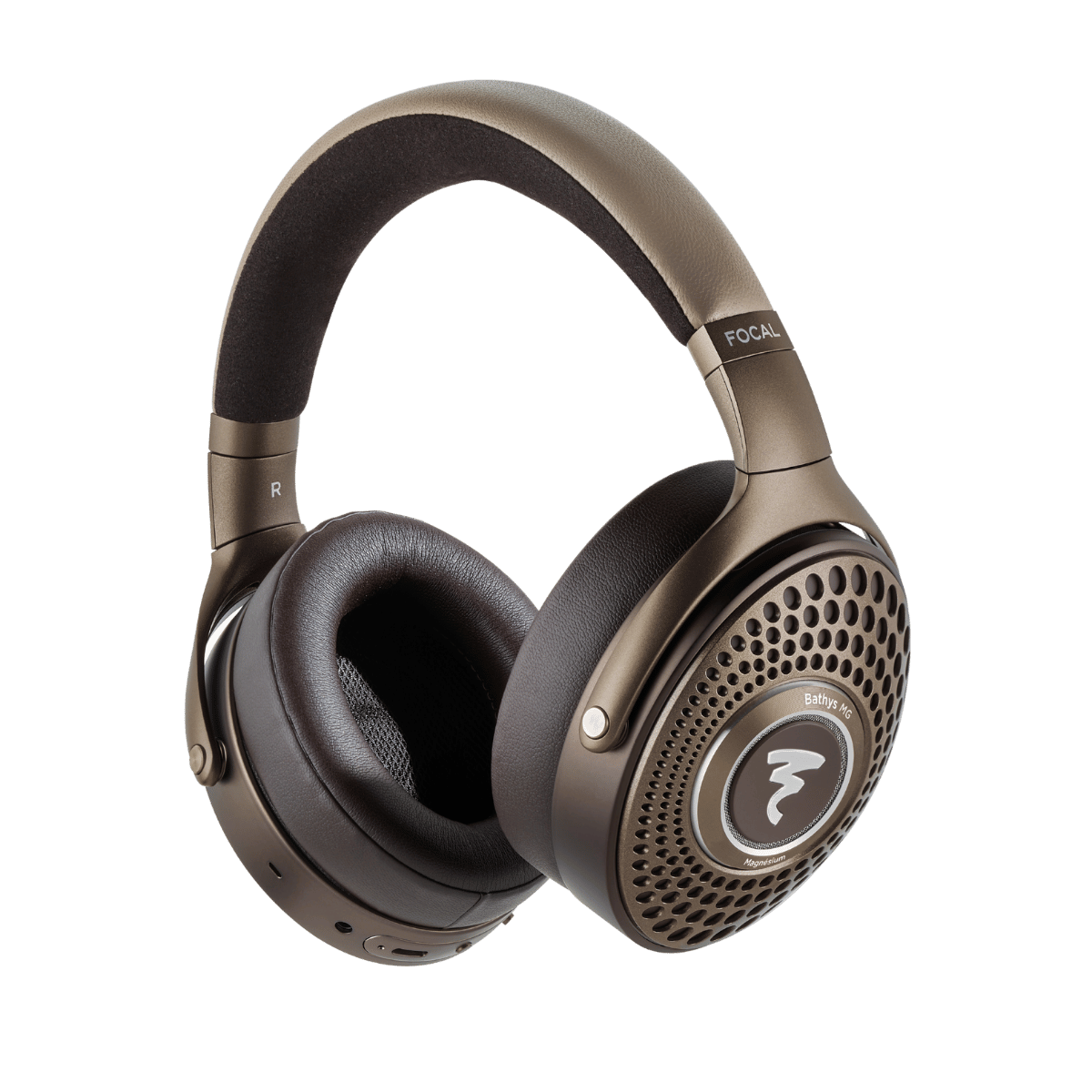

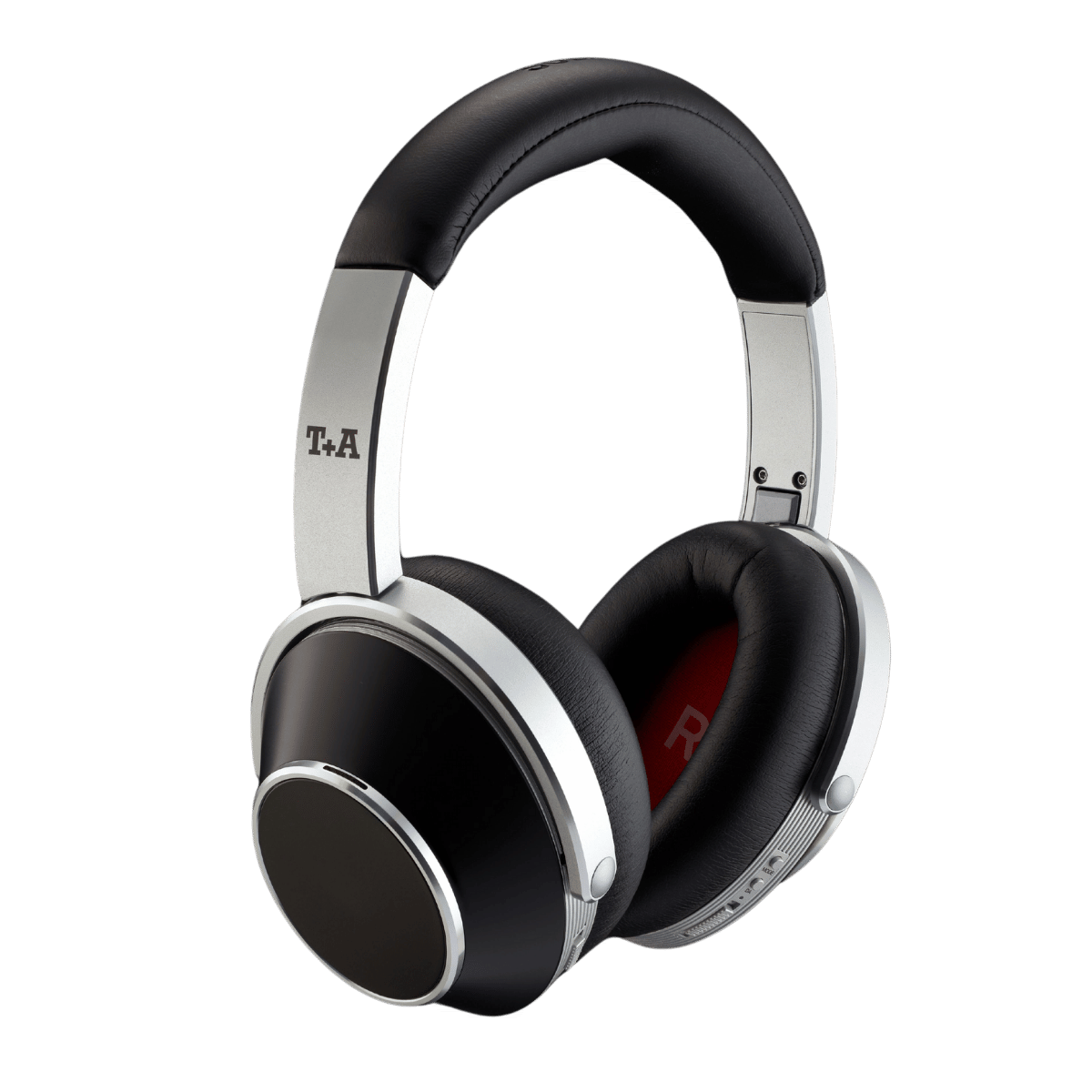
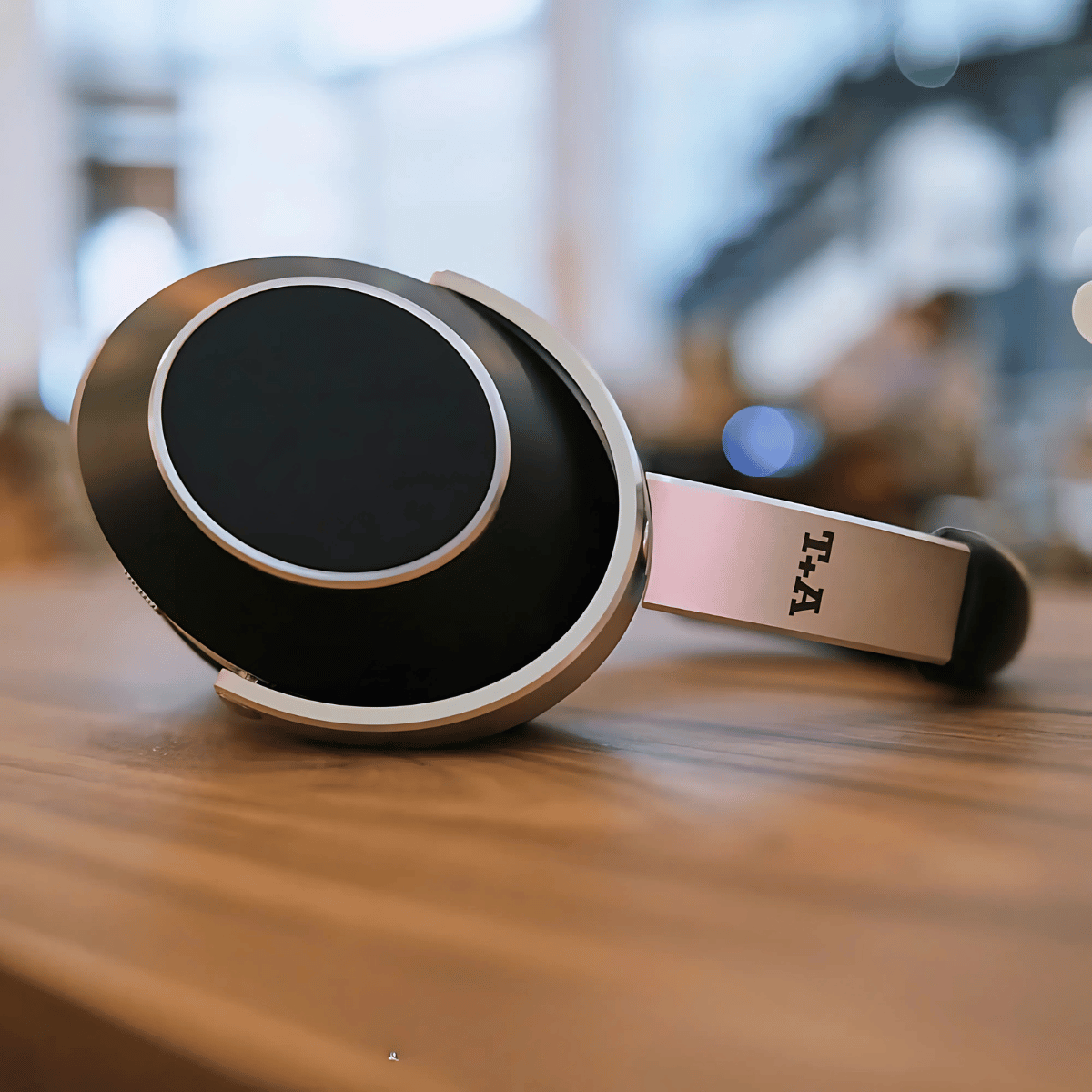
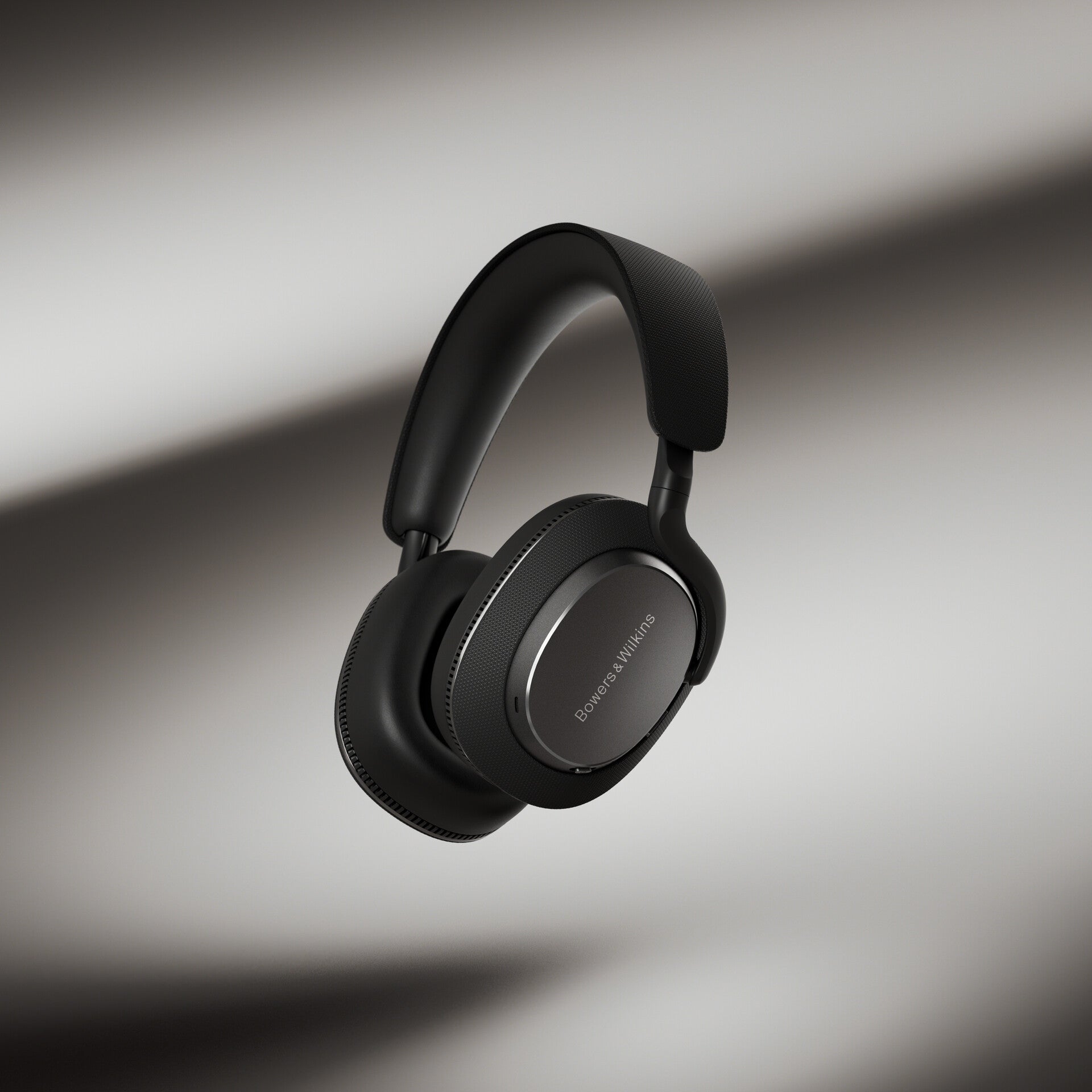
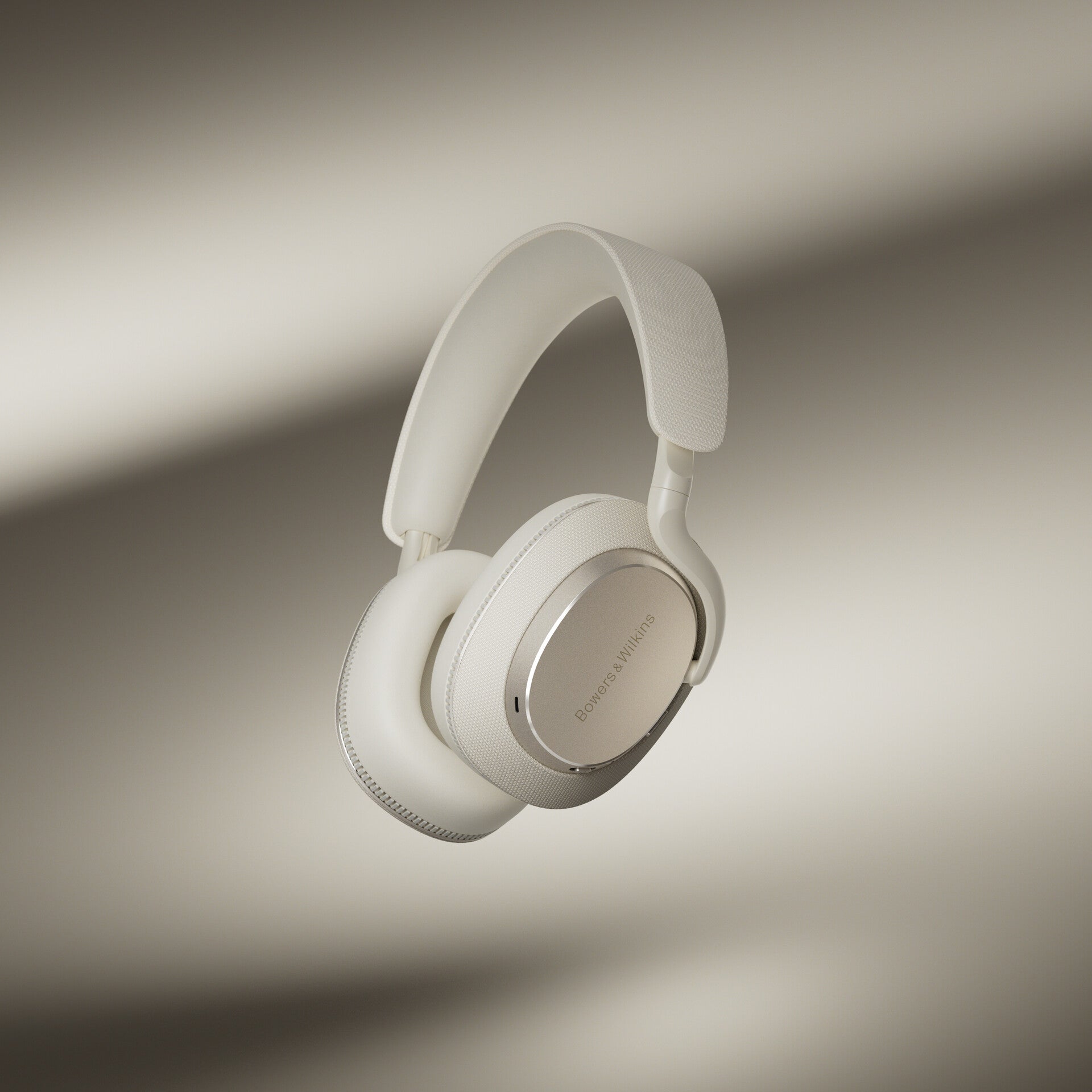
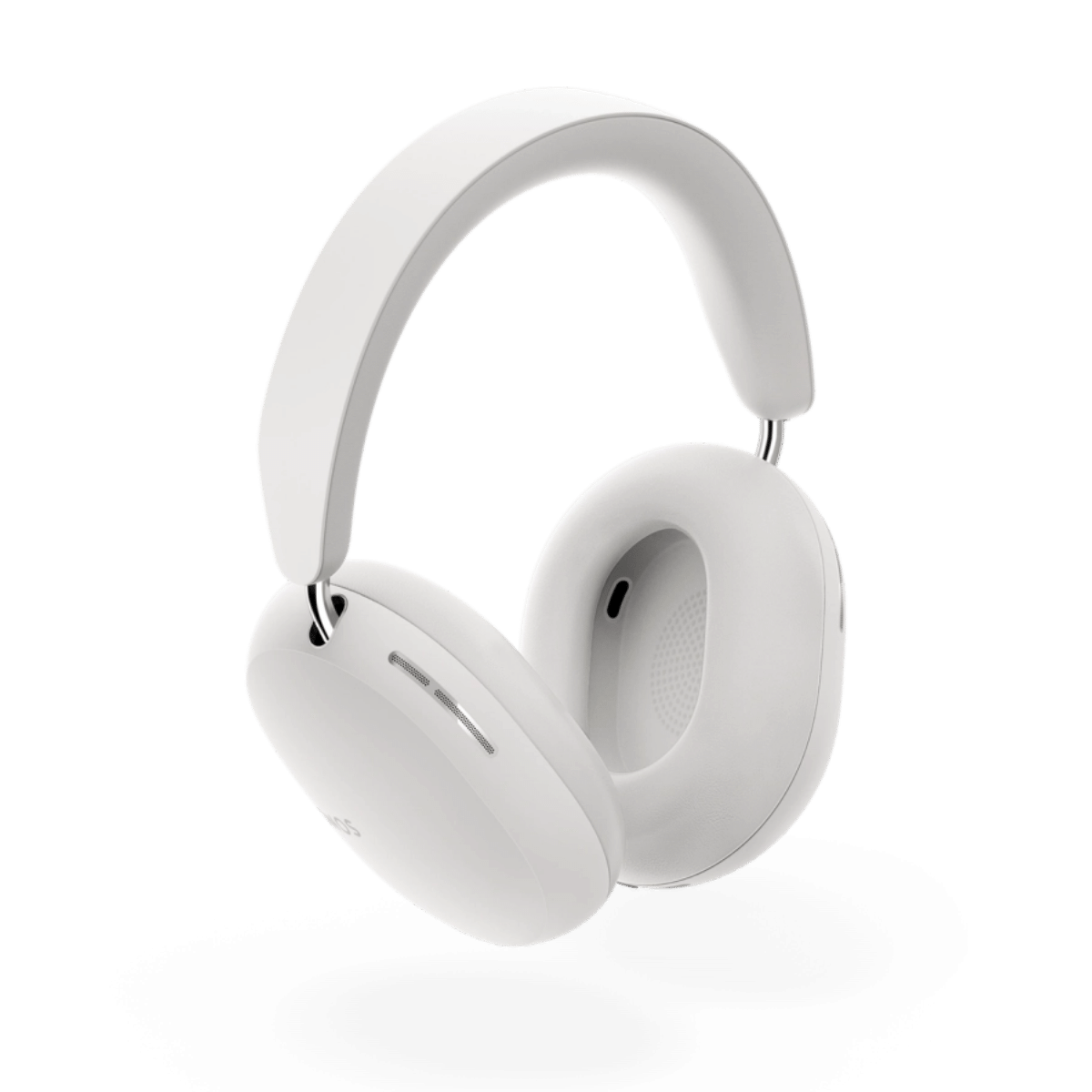

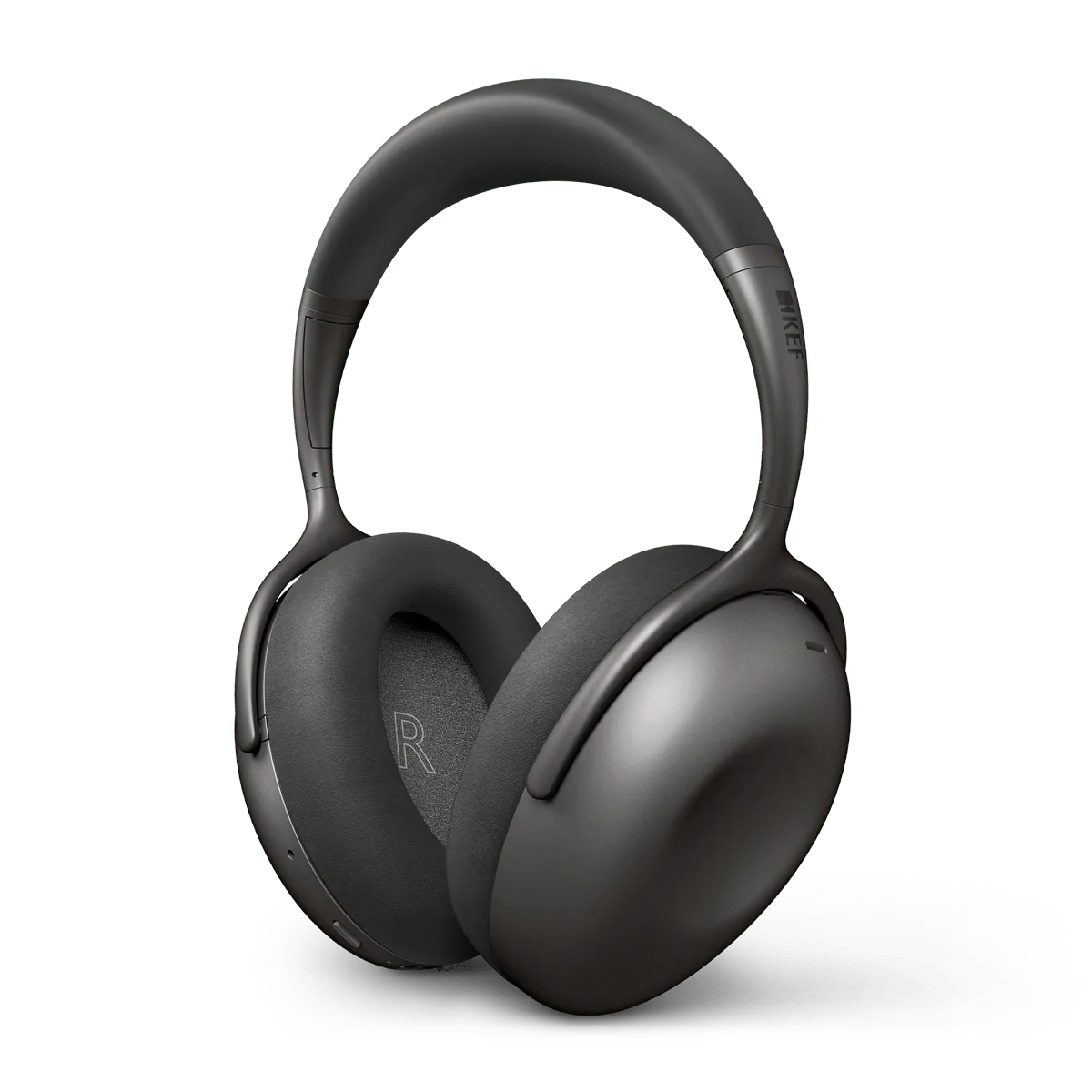


TELL ME MORE ABOUT
Bluetooth & Wireless Headphones
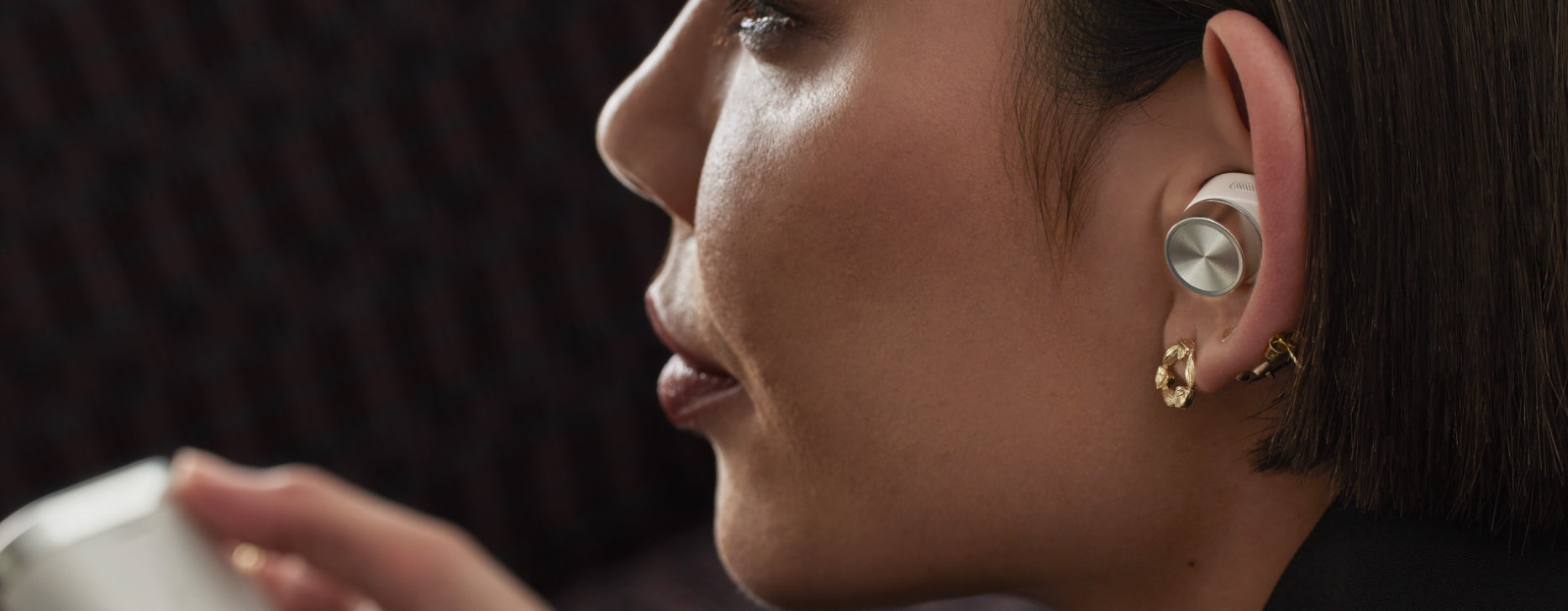
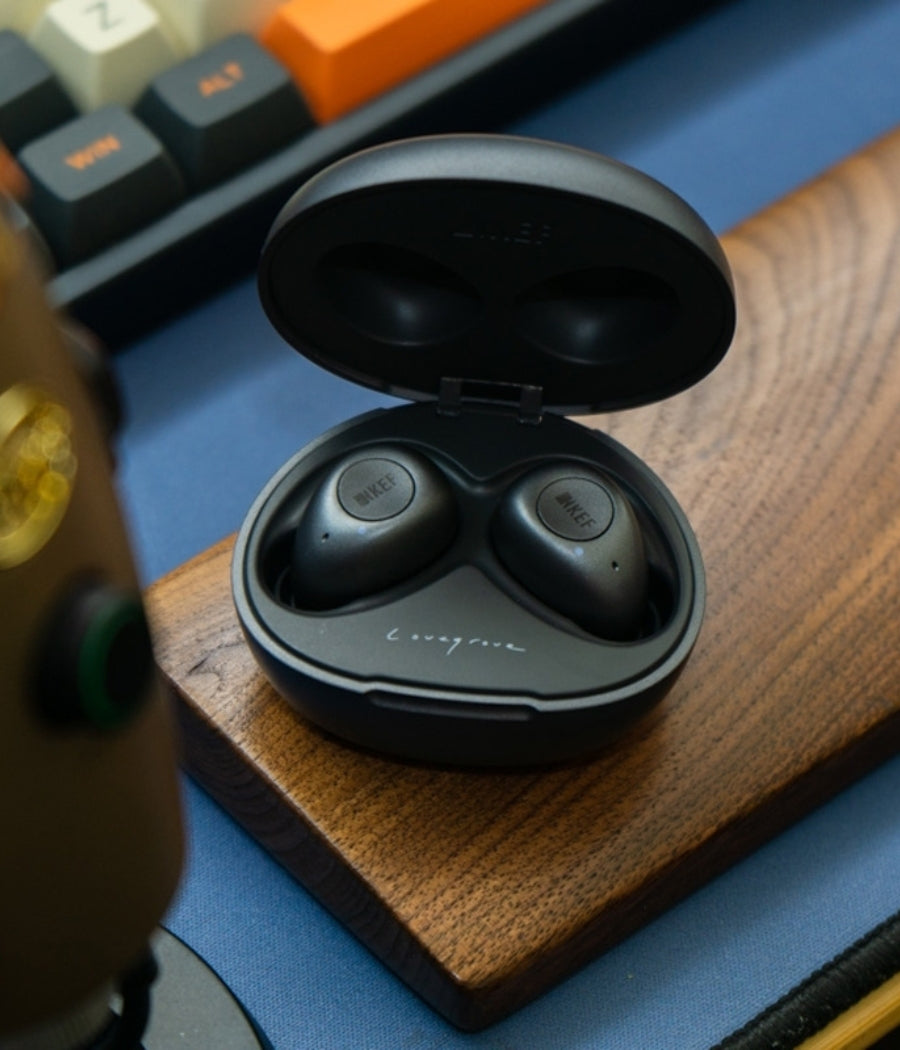
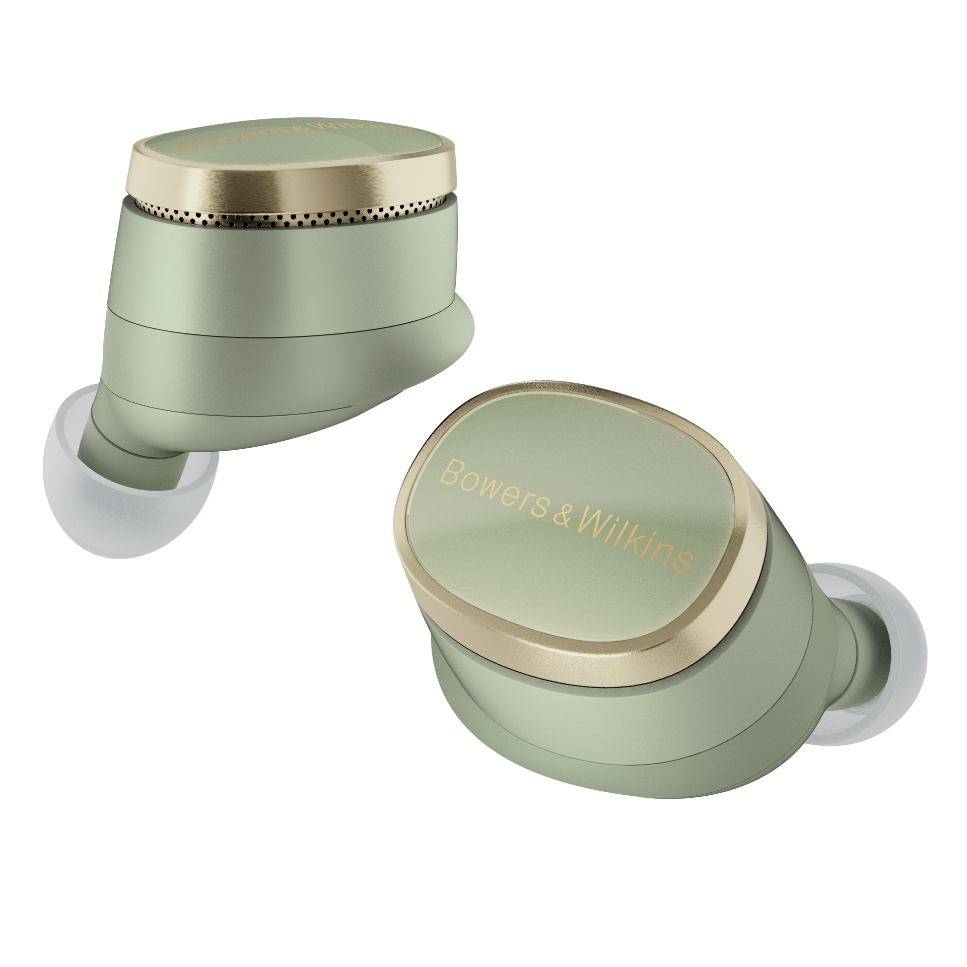
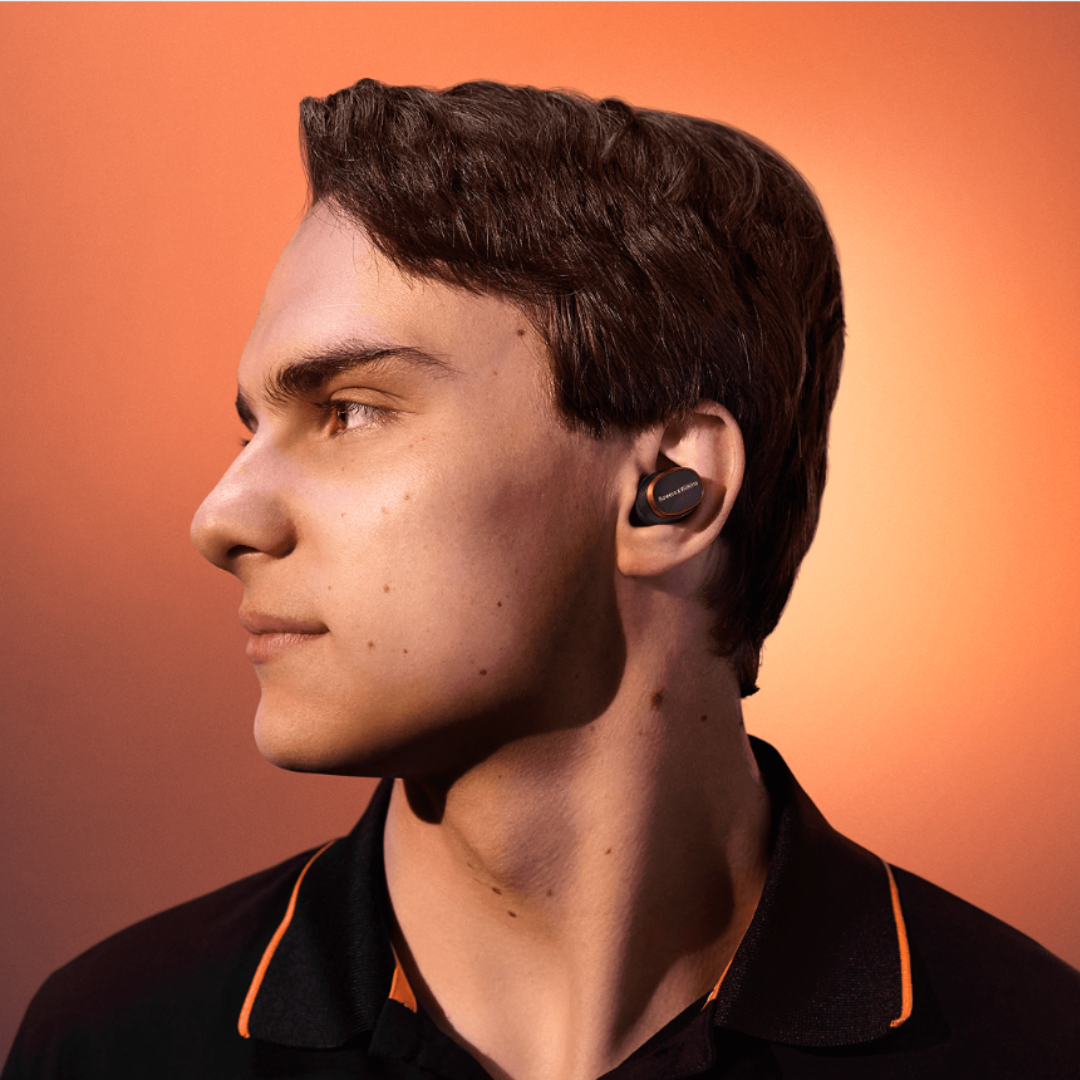
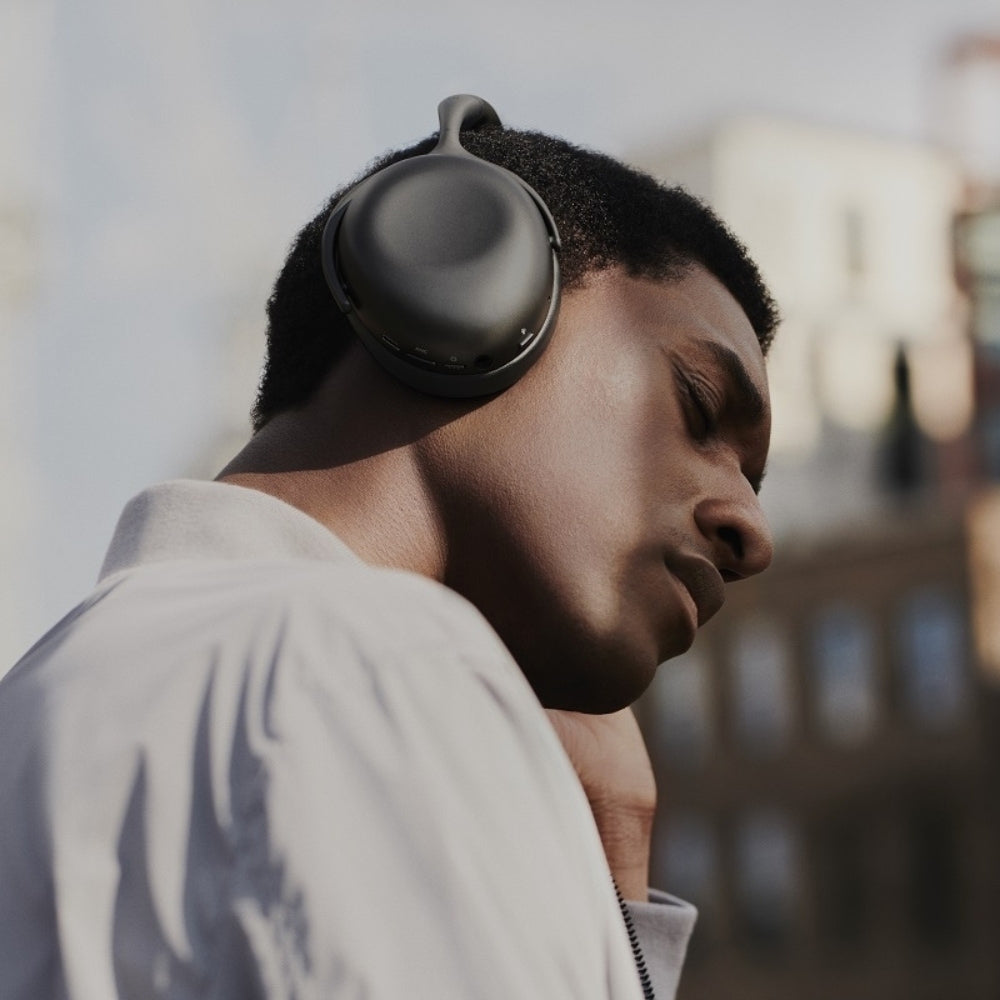
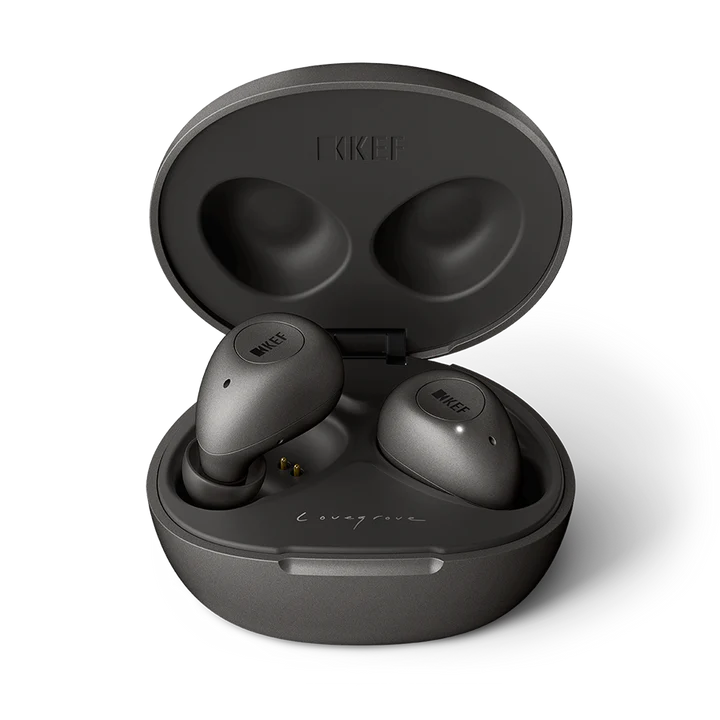
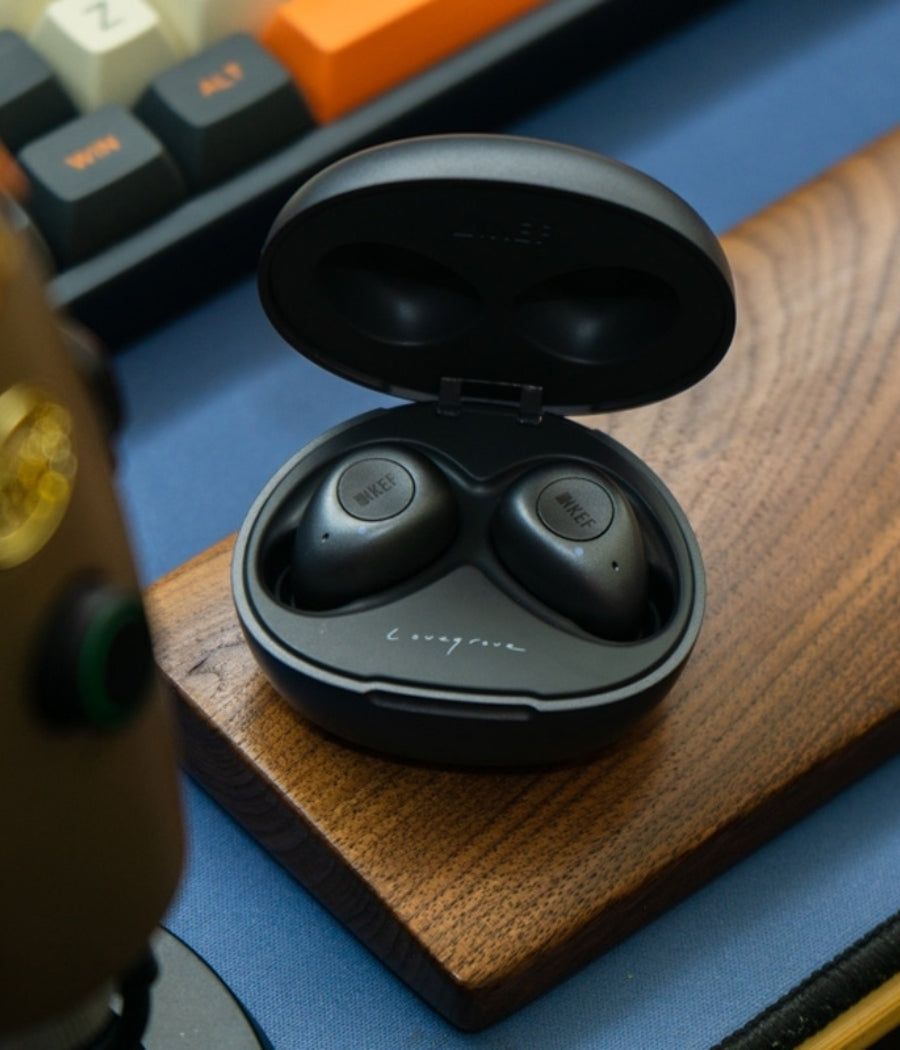
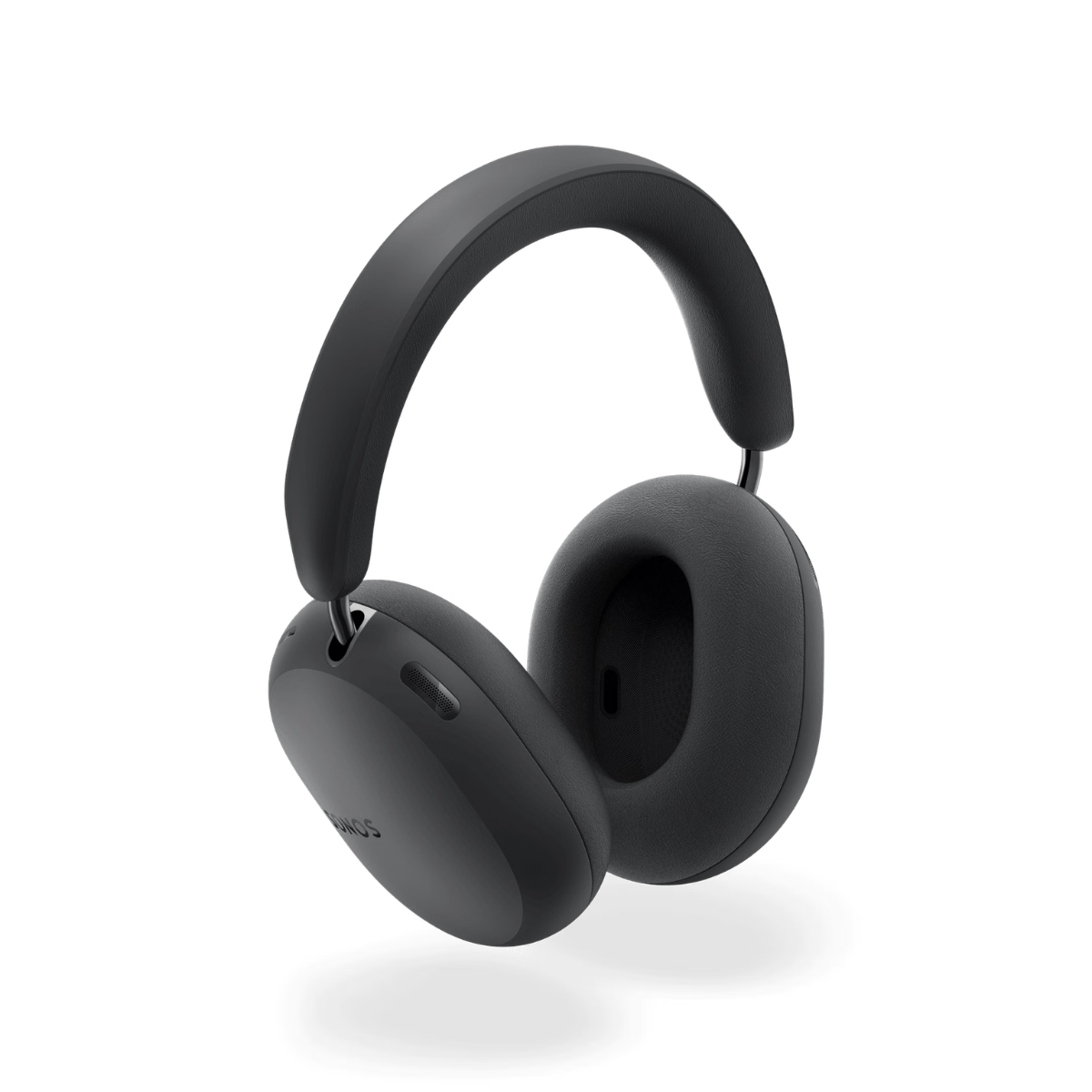
Tailored for those who value convenience without compromising on quality, our collection offers the latest innovations in wireless audio technology. Whether you're commuting, exercising, or relaxing at home, our... Read More
NEED MORE GUIDANCE?
We are here to help
Check out some of our most commonly asked questions.

What do I need to play records?
Getting into vinyl? That’s awesome! We have some curated turntable Hi-Fi packs, with everything you'll need to get spinning right away. But if you want to build your own, read on for all the details.
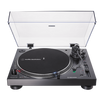
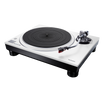
First off, you'll need a turntable. It's the star of the show, so make sure it’s in good nick, with a decent cartridge and stylus (needle).
Next, there’s the phono preamp. Some turntables or amplifiers come with one built-in, but if yours doesn’t, you’ll need one as a bridge between your turntable and amplifier or powered speakers.
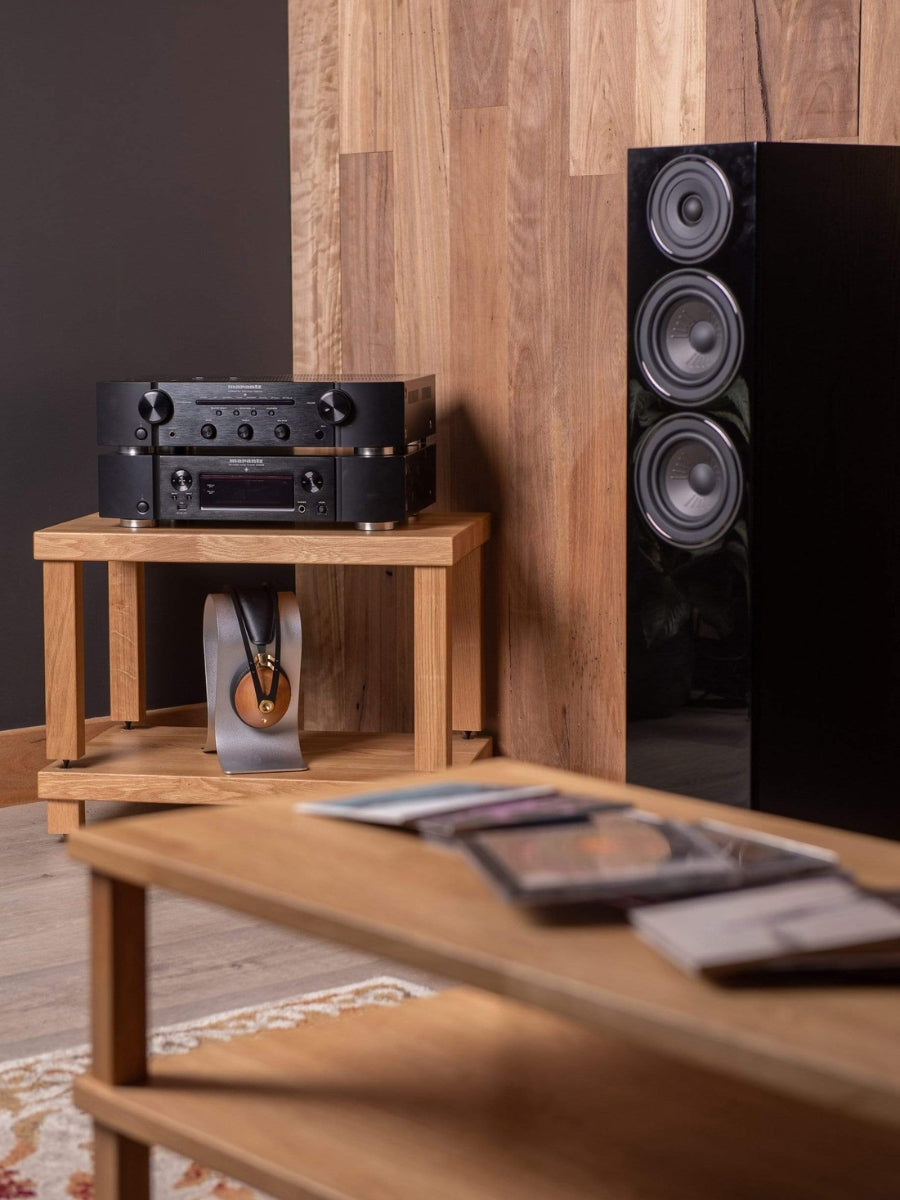
For the sound output, you’ve got two options. You can go with a traditional setup involving an integrated amplifier to take the signal from your phono preamp and power your passive speakers. Alternatively, you can opt for powered speakers, which have the amplifier built in – a handy all-in-one solution.
Speaking of speakers, good ones are a must for that rich, warm vinyl sound we all love. Whether you go for bookshelf or floorstanding speakers (or powered ones) depends on your space and budget.
And there you go! With these essentials, you’ll be ready to dive into your vinyl collection and enjoy that classic sound.
What can a wireless speaker do?
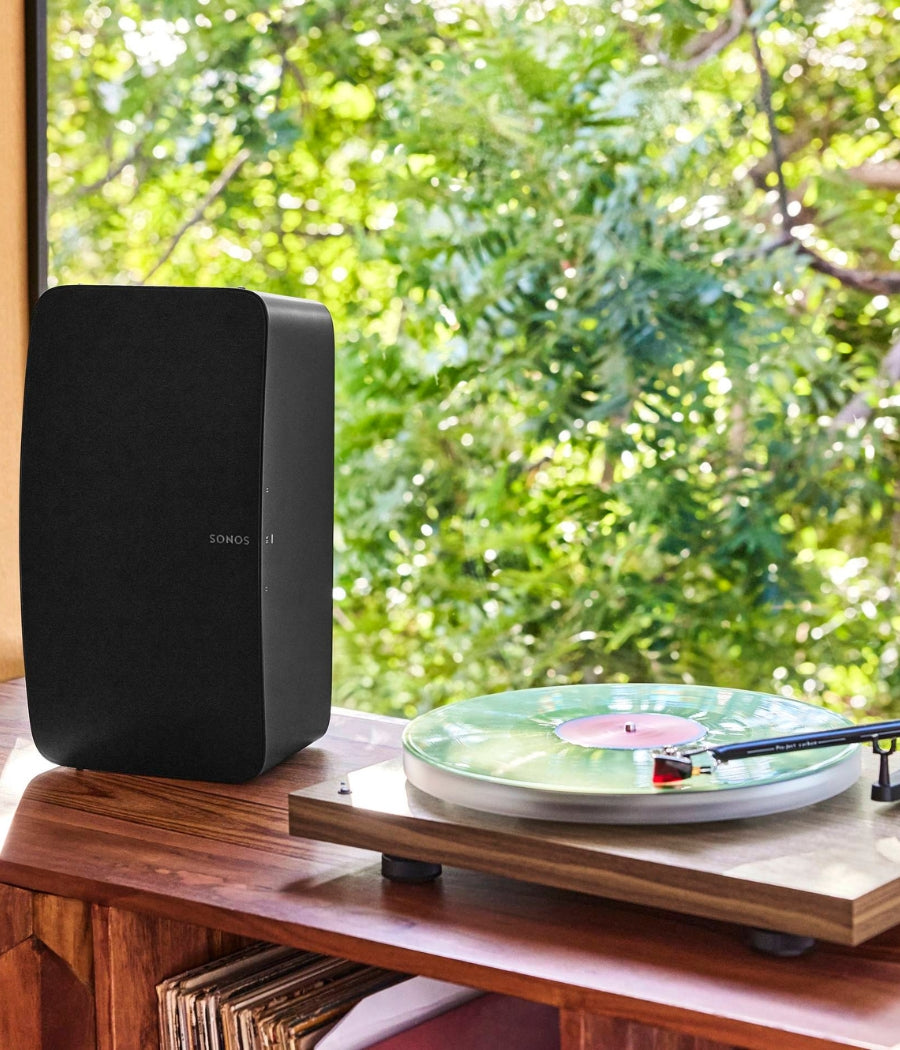
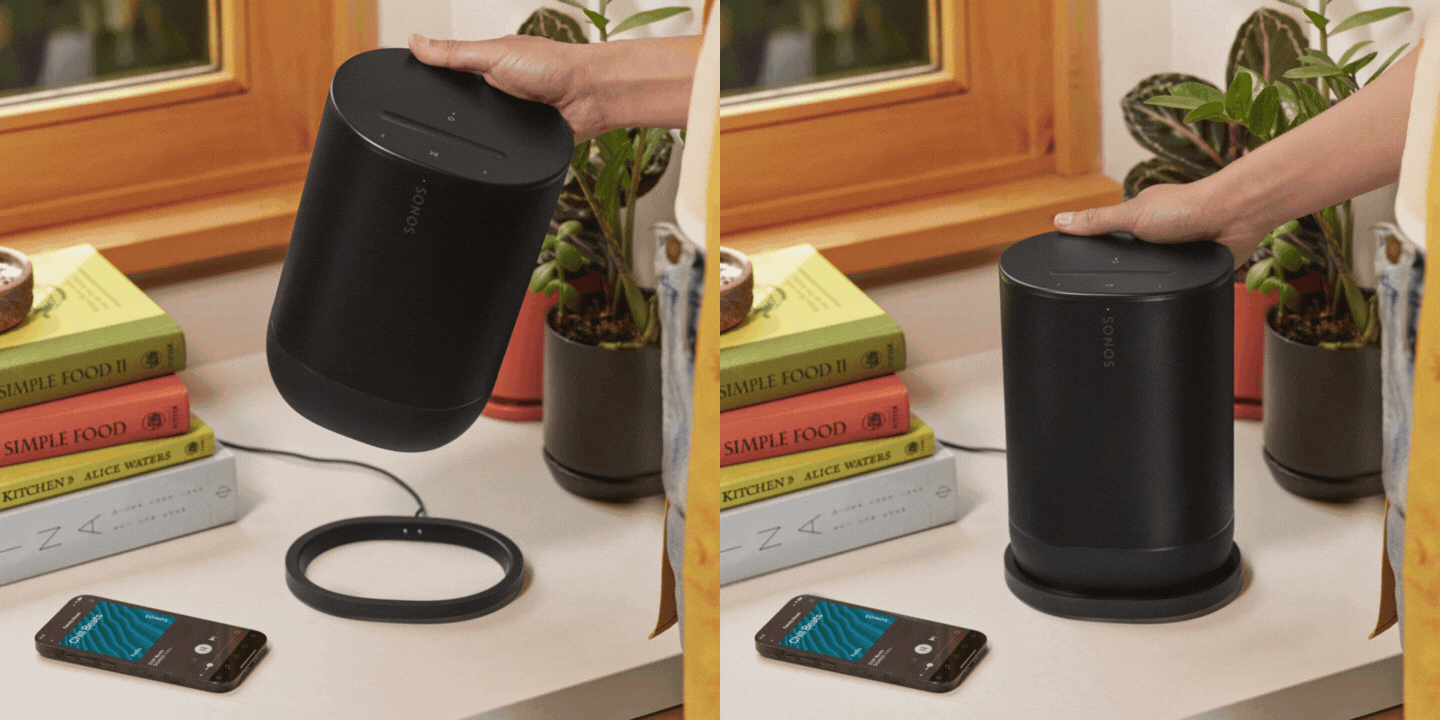
Wireless speakers are a game-changer for how you enjoy music and audio around the house. First off, they let you stream music wirelessly from your phone, tablet, or computer, so no more messing about with cables. You can easily play tunes from Spotify, Apple Music, Tidal or whatever streaming service you fancy.
If you’re into having music everywhere, many wireless speakers offer multi-room audio. You can sync them up to play the same music in every room or control what plays in each room individually, perfect for parties or just keeping the vibes consistent throughout your home.
Voice control is another brilliant feature. Many come with built-in assistants like Alexa, Google Assistant, or Siri. You can control your music with just your voice, ask for the weather, set reminders, or even control other smart home devices.
Sound quality? These little gadgets often pack a punch, delivering high-quality audio that can rival traditional wired setups. Some even offer 360-degree sound, filling the room with music from every angle.
In a nutshell, wireless speakers bring flexibility, convenience, and top-notch sound to your audio experience, making them a fantastic addition to any home. Whether you’re hosting a party, working from home, or just chilling out, they make listening to music a breeze.
How do you choose the right speaker & amplifier combination?
Deciding on a good speaker and amplifier combination is like putting together a perfect wine and cheese pairing—it’s all about balance and harmony. Here’s a conversational guide to help you through it:
First, consider your speakers. These are your main players, so you want to choose ones that fit your space and listening preferences. If you love deep bass and have a bit of room, floorstanding speakers might be your go-to. For smaller spaces or a more subtle look, bookshelf speakers are fantastic.
Now, onto the amplifier. This is where things get interesting. Your amp needs to match your speakers in terms of power and impedance. Check the wattage ratings on your speakers—your amplifier should provide enough power to drive them properly. Too little power and you’ll be missing out on sound quality; too much, and you risk damaging your speakers.
Next, think about the impedance (measured in ohms). Your amp and speakers should be compatible here too. Most speakers are rated at 8 ohms, but some can be 4 or 6. Make sure your amplifier can handle the impedance of your speakers to avoid any performance issues.
Another important factor is the type of sound you’re after. Some amps are known for their warm, rich tones, while others might be more neutral or even slightly bright. It’s a bit like choosing between a vinyl record and a digital stream or CD —each has its own charm. If possible, listen to different amp and speaker combinations to see what sounds best to your ears.
If purchasing online, note that at LE, we have made recommendations on speaker & amplifier combinations that we think sound wonderful together within each product listing.
Don’t forget about connectivity and features. Modern amplifiers often come with a host of options like Bluetooth, Wi-Fi streaming, and various inputs for all your devices. Make sure your amp has the inputs you need for your turntable, CD player, or streaming device.
Finally, consider your budget. Great sound doesn’t always mean breaking the bank, but be prepared to invest to get a quality setup that will last.
In the end, trust your ears. Listen to a few combinations if you can, and go with what makes your music sound the best to you.
Why do I need a headphone amplifier?
If you’re diving into the world of high-quality audio, a headphone amplifier can be a real game-changer. Think of it like this: most standard devices, like your smartphone or laptop, just don’t have the oomph needed to drive headphones properly. They might get the job done, but they won’t do your music justice. A headphone amp gives your headphones the power they need, ensuring you get the volume and clarity that really makes your music shine.
It’s not just about making things louder, either. A good headphone amp can significantly improve sound quality. You’ll get clearer highs, richer mids, and tighter bass, making your favourite tracks sound even better. You might notice details you’ve never heard before, especially if you’re listening to high-resolution audio files.
Premium headphones often have higher impedance, meaning they require more power than your typical audio source can provide. A headphone amp can handle this with ease, making sure your headphones perform at their absolute best. Plus, many amps come with extra features like bass boost, equalisation, and gain control, giving you more ways to tweak the sound to your liking.
In short, if you’re passionate about your music and want to hear it in the best possible way, a headphone amplifier is definitely worth considering. It’s all about unlocking the full potential of your gear and really getting the most out of your listening experience.
Where should I start when designing a home cinema?
Designing your own home cinema? That's awesome! We are here to help walk you through the process, but as a starting point, here’s what we would recommend and where to kick things off:
First up, pick your spot. For most people this is your existing lounge room, but if you have an underused garage, or spare bedroom, then you have an opportunity to create your very own true Home Cinema experience. Find a room that’s just right—not too cramped and ideally away from noisy areas. This sets the stage for that immersive movie experience.
Next, think about how you’ll set things up. Plan where your seats will go and where to place your projector screen for the best view from every angle. It’s all about creating that comfy, cinematic vibe.
Sound matters, too. Consider if you want a wireless system for simplicity or a full surround sound speaker system with AV receiver for that surround-sound thrill. Think about soundproofing or adding acoustic panels or thick carpets to really amp up the audio quality of the room.
Now, onto the screen. Decide between a crisp TV or a projector setup, depending on your room size and personal style. Maybe even throw in some dimmable lights or smart lighting to set the mood just right.
And hey, don’t forget comfort. Invest in plush cinema seating and think about the décor—whether it’s movie posters, blackout curtains, or popcorn machine & bar area, whatever gives you that true cinema feel.
Lastly, tech it up! Make sure everything—from your Blu-Ray player & Apple TV to your gaming consoles—is set to sync perfectly with your new setup.
With these steps, you’re on your way to creating a home cinema that’s not just a space, but an experience. Enjoy movie nights like never before!
